
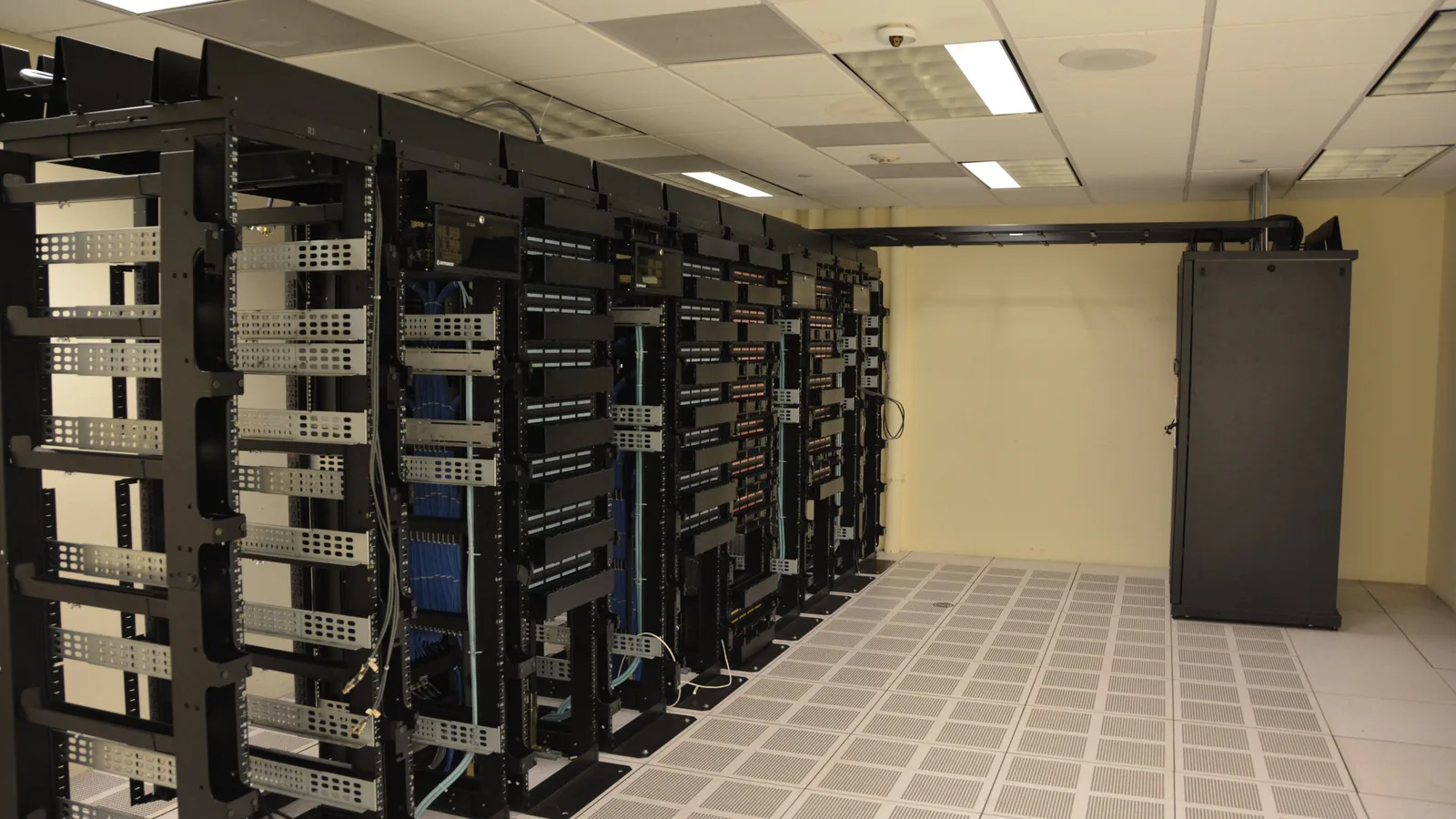
The Ontario Soil and Crop Improvement Association was running on a single on-premises server that crashed daily, with no modern way for staff to reach internal resources from outside the office.
We moved the workload onto NFD private cloud, replaced flat network access with Zero Trust Network Access, connected identity and email to Microsoft 365 with directory sync, and deployed a next-generation firewall and modern security stack.
Almost everything this association does for its members touches a system somewhere, and those systems were consolidated onto one on-premises server. That server was crashing daily — failing during the working day, often enough that staff had adapted their habits around it.
A single server holding everything is a particular kind of problem. It is not that a failure is disruptive; it is that there is no version of the environment in which a failure is not disruptive. Every workload shares the same power supply, disks, operating system instance and maintenance window. Patching means an outage. Hardware failure means a total outage. Capacity pressure in one workload becomes a performance problem in all of them. Reliability cannot be tuned upward, because the design itself is the constraint.
The access model had aged along with the hardware: no modern route to internal resources from outside the office, no meaningful segmentation of what a connected user could see, and identity sitting apart from email so accounts existed in more than one place with more than one lifecycle.
Four changes, the first of which had to land before the others were worth doing.
Workloads moved onto our private cloud platform, which separates the thing that fails from the thing that runs. A host can be taken out of service for patching or replaced after a fault without the workload going with it, and the platform is monitored continuously rather than checked when somebody complains. The association stopped owning a box whose eventual failure was certain and whose failure date was unknown.
Instead of restoring a conventional VPN, we deployed ZTNA. The distinction is not cosmetic. A VPN authenticates a user once and then places their device on the network, where it sees whatever the network lets it see. ZTNA verifies user and device per resource, so reaching one internal application grants no visibility of anything else. There is no flat network to land on, which removes the lateral movement that turns one compromised laptop into an organization-wide incident.
Mail moved to Microsoft 365 and directory synchronization tied it to the organization's identity. This matters more under Zero Trust than under a perimeter model: when access is decided per user and per resource, the quality of those decisions depends entirely on the identity system being correct.
A current appliance with current inspection capability replaced what was there, and the wider tooling was brought to a modern baseline. This is the least interesting part of the work and the part most often skipped, because it produces nothing visible on a good day.
The migration was straightforward engineering. The access model is the part worth understanding, because it is the change most organizations of this size have not yet made.
Associations and small institutions frequently run one server well past the point where one makes sense, because it was fine for years and replacing it is a capital decision rather than an operating one. The daily crash forces the conversation, but it is a symptom of a design choice made much earlier. The useful question is not how to make this server more reliable; it is what would have to be true for a hardware failure to be uninteresting. On a private cloud platform, the answer is that the workload does not care which host it runs on.
On access: if your remote-work model is a VPN, you are running a perimeter. Perimeters made sense when the things worth protecting were inside a building. ZTNA is not simply a newer VPN — it removes the concept of being on the network at all, which is the specific property that limits how far an incident travels. For most small organizations it is the highest-value security change available.
Further reading: Citrix, RDS and ZTNA compared; cloud backup and disaster recovery.
Ask us what it would take to stop depending on a single machine, and what a Zero Trust access model looks like at your size. Our helpdesk and security operations centre are staffed 24/7.
%20(1).avif)
%201.avif)





