

A proper MSP onboarding delivers a complete asset and credentials inventory, a documented security baseline, verified backups, and written runbooks. It happens on a schedule, not on faith. Most providers structure this over 30 to 90 days, with helpdesk support live from day one, and anchor the work against a framework like NIST Cybersecurity Framework alongside standards like SOC 2 Type II and Microsoft 365 security baselines.
TL;DR:
- Most onboarding processes span 30 to 90 days, with full documentation and testing expected by day 90, especially for complex environments.
- Critical milestones include verifying that RMM and EDR agents are installed on all devices and confirming a successful test restore of backups.
- Delays often stem from client-side approval bottlenecks or withholding essential documentation like network diagrams and credentials.
- The first QBR should present concrete numbers on SLA adherence, security measures, and remaining onboarding gaps, each with assigned owners and deadlines.
- Providers should offer clear, written communication plans and specific contacts during onboarding, avoiding vague or rushed completion under two weeks for larger setups.
The best way to judge an MSP onboarding process is to break it into three measurable stages, each with its own deliverables. A structured checklist keeps every phase accountable instead of vague.
Phase 1: Days 1 to 30, discovery and documentation. This phase starts with a kickoff meeting where you and the provider agree on scope, escalation contacts, and communication cadence. From there, the technical team runs full discovery: scanning the network, cataloguing every device, server, and licence, and building a credential inventory. By day 30, you should have baseline documentation in hand, including a network diagram and a findings report flagging immediate risks.
Phase 2: Days 31 to 60, deployment and remediation. This is when the provider installs its remote monitoring and management (RMM) agents, deploys endpoint detection and response (EDR) tools, and stands up backup jobs across your environment. Critical security gaps identified in phase one get closed here. Providers should also run a test restore during this window to confirm backups actually work, not just that they exist.
Phase 3: Days 61 to 90, relationship and handover. Runbooks and incident response plans get finalized. Any remaining remediation items are scheduled with owners and dates. The first quarterly business review (QBR) is typically held around day 90, at which point onboarding formally transitions to your account manager and the relationship moves into steady state, a pattern Sequentur’s onboarding breakdown confirms as standard across the industry.
A milestone checklist worth requesting from any provider includes:
Onboarding moves at the pace of the slowest approval, and most delays trace back to the client side, not the provider. Before the kickoff meeting, gather the access your provider will need: global admin credentials for Microsoft 365, firewall and router logins, ISP account details, and physical access to any server room or wiring closet. Hand these off through a credential vault, not a spreadsheet or an email thread.
Name one internal point of contact who can approve decisions quickly. Onboarding stalls when every change request needs a committee. Set expectations with staff ahead of time, too: let employees know new tools are coming, who to contact for help, and that a short bump in support tickets during week one is normal as everyone adjusts to new logins and monitoring agents.
Pro Tip: Ask your provider for a written communication plan before signing anything. If they cannot tell you who your primary contact is and how fast they respond during onboarding week one, that is a preview of how the whole relationship will run.
Anyone can claim an agent is “deployed.” What matters is proof, and a competent provider will show you the numbers, not just tell you.
Backup verification deserves particular attention. A backup you have never restored is only a hope, not a plan, and a documented test restore by the end of month two is one of the clearest signs onboarding is on track. Securing admin credentials and confirming backup stability within the first 48 hours is a standard priority among experienced onboarding teams, precisely because delaying either one leaves you exposed during the most vulnerable stretch of the transition.
Timelines vary with complexity. A single-office business with modern systems might complete onboarding closer to 30 days. A company with multiple locations, legacy on-premise servers, or a messy handover from a previous provider should expect the full 90-day window, sometimes longer.
A healthy onboarding shows itself through consistent reporting: weekly status updates, a mid-point review around day 45, and a remediation log listing every open item with a named owner and a date. Watch for warning signs instead of taking progress on faith.
If your contract includes service level agreement (SLA) response times, use those clauses to escalate when milestones slip. A provider that resists a written remediation date is telling you something about how they will handle incidents later.
The first quarterly business review is where onboarding closes and steady-state management begins. It should not be a status update dressed up as a meeting. It should be a scorecard.
Ask for specific numbers at this meeting: SLA adherence percentage, count of remaining onboarding gaps, and EDR coverage percentage across devices. Anything still open should carry a named owner and a scheduled date, folded into regular reporting rather than left to drift. Most providers set documentation review cadence at every 90 days going forward, matching the original onboarding rhythm.
An experienced MSP runs onboarding against the same discipline described throughout this guide: documented discovery, a security baseline mapped to the NIST Cybersecurity Framework, tested backups, and a first QBR with real numbers attached Our SOC 2 Type II certification and 24/7 network operations centre (NOC) exist because clients, particularly regulated ones like accounting firms managing cyber insurance requirements, need proof of controls, not promises.
Service scopes typically include managed IT and cloud backup & disaster recovery to security operations center coverage, designed to address gaps such as credential ownership, tested restores, and Microsoft 365 hardening. Some providers extend that same rigour into AI and automation adoption once core onboarding is complete.
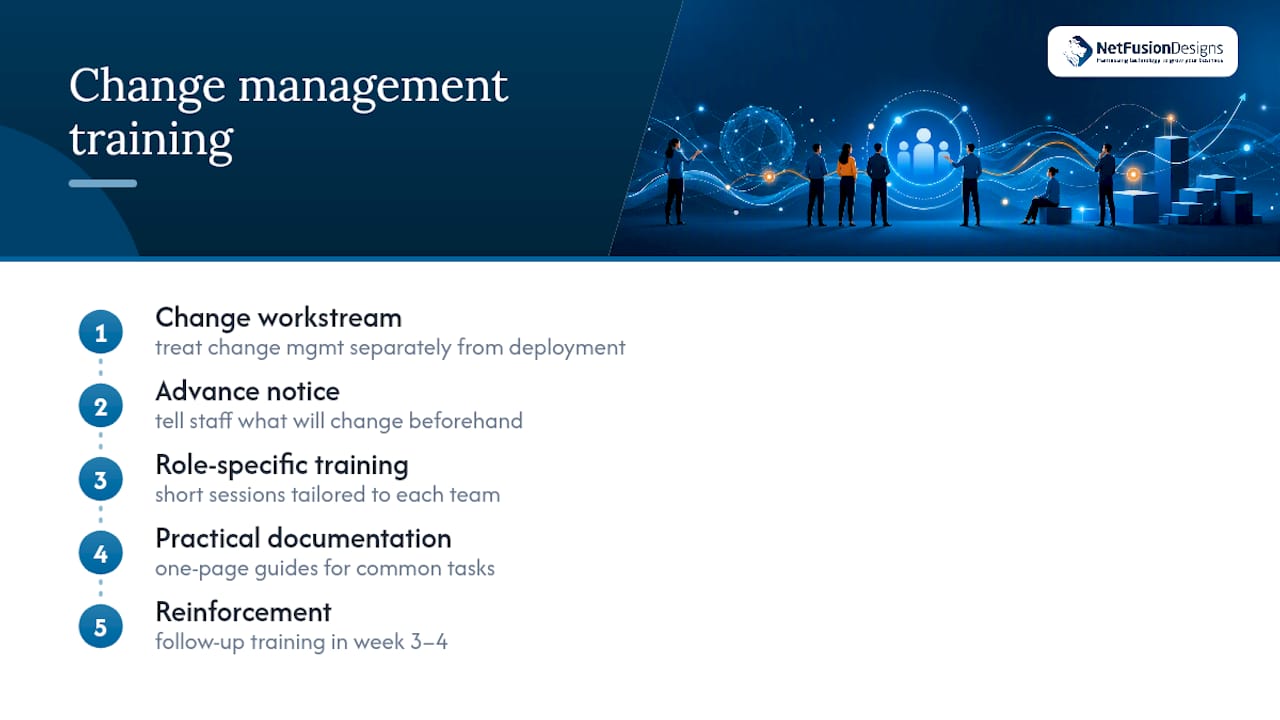
New tools mean new habits, and habits do not change because an email announced a rollout. A solid onboarding plan treats change management as its own workstream, separate from the technical deployment.
Staff need to know what is changing before it happens: new login screens from MFA enforcement, a different helpdesk ticketing process, and possibly a new endpoint agent running in the background. Providers that skip this step create confusion that shows up as a spike in support tickets, users assuming something is broken when it is actually working as designed.
Effective onboarding plans include short, role-specific training sessions rather than one long all-staff webinar. Frontline staff need to know how to submit a ticket and recognize a phishing attempt. Finance and HR teams handling sensitive data need deeper training on data handling policies and access controls tied to their systems specifically.
Documentation matters here too. A short internal reference, even a one-page guide covering “how to reset your password” and “who to call for urgent issues”, cuts ticket volume dramatically in week one. Training should not stop at go-live. Reinforcement in week three or four, once staff have had time to run into real scenarios, tends to stick better than a single session on day one when everything is new and nothing has gone wrong yet.
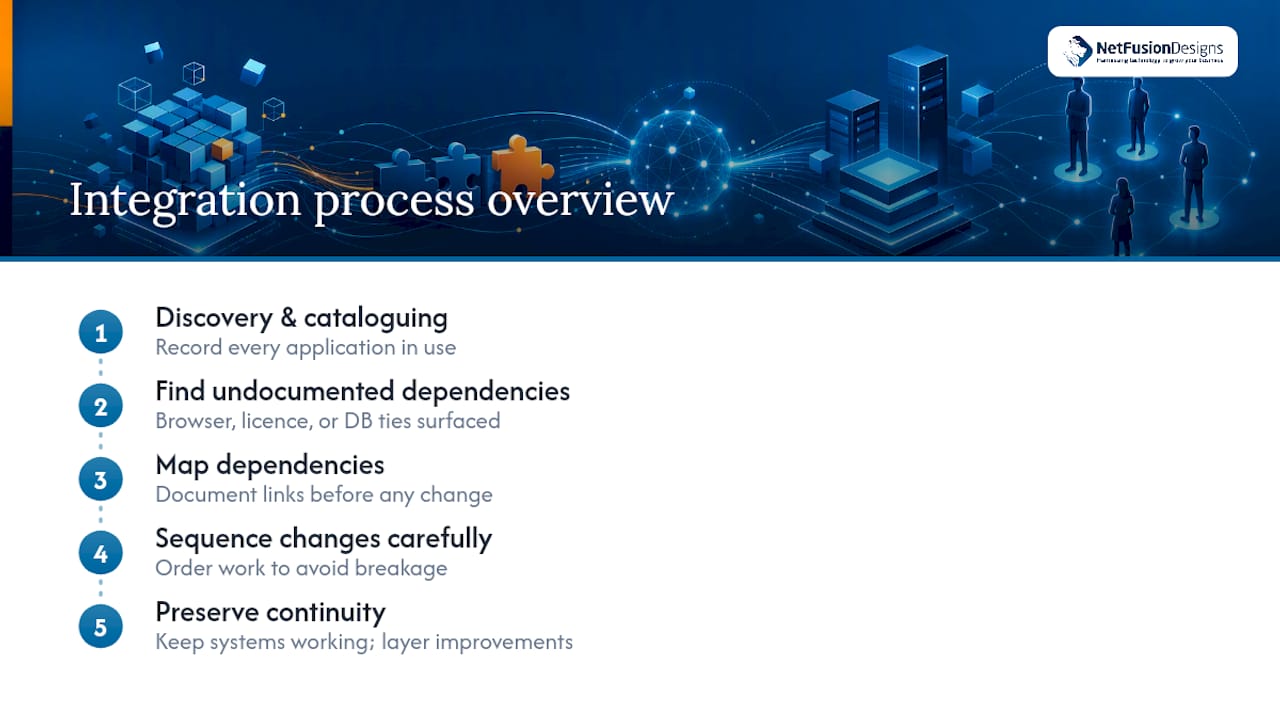
Most businesses do not start from a blank slate. Line-of-business applications, industry-specific software, legacy file servers, and existing Microsoft 365 tenants all need to survive the transition intact, and ideally improve.
Integration work starts during discovery, when the provider catalogues every application in use, not just the obvious ones like email and file storage. This is where undocumented dependencies tend to surface: a scheduling tool that only works with a specific browser version, an accounting package tied to an on-premise database, a piece of manufacturing software with a licence key nobody can find.
A competent provider maps these dependencies before touching anything, then sequences changes to avoid breaking what already works. Microsoft 365 migrations or optimizations, in particular, need careful handling around mail flow, shared calendars, and existing security groups so nothing disappears mid-transition.
The goal is continuity a business barely notices. Systems that worked before onboarding should keep working during it, with improvements layered in deliberately rather than through a disruptive rip-and-replace approach. When integration gets rushed, the fallout usually shows up weeks later: a report that quietly stopped generating, a shared drive permission that got dropped, an integration between two systems that nobody tested after the migration.
Every onboarding should produce a written risk picture, not just a list of tasks completed. This starts with the findings report from discovery, which flags vulnerabilities like unpatched systems, weak or shared passwords, unsupported software, and gaps in backup coverage.
From there, risks get prioritized. A server running an operating system past its end-of-life date is a different order of urgency than a printer driver that needs an update. Providers should rank findings by severity and likelihood, then attach a remediation timeline to each one, not bury them all in a single undifferentiated list.
Mitigation planning also means deciding what gets fixed immediately versus what gets scheduled. Critical exposures, an open remote desktop port facing the internet, for instance, get closed within days. Lower-severity items might roll into the 60 to 90 day window alongside broader security hardening work.
Cyber insurance adds another layer here. Many policies now require specific controls, MFA, EDR, and documented backup testing among them, before they will issue or renew coverage. A risk assessment done properly during onboarding doubles as evidence for insurers, which matters increasingly for businesses renewing policies that have grown stricter year over year.
Onboarding has a clear finish line, but support does not stop there. What changes is the relationship: from an intensive, deadline-driven project to a standing service relationship governed by your SLA.
Escalation procedures should already be documented by the time onboarding closes, not improvised the first time something breaks. That means clear tiers, who handles a routine password reset versus who gets paged for a server outage, and clear response time commitments tied to severity level. A ticket marked “critical” should trigger a faster response than one marked “routine,” and your contract should spell out exactly what those timeframes are.
Ongoing support also includes scheduled reviews beyond the first QBR. Quarterly or semi-annual reviews keep documentation current as your business changes: new hires, new locations, new software. Skipping these reviews is how documentation drifts out of date within a year, quietly undermining the accuracy of everything built during onboarding.
A well-run provider treats the transition from onboarding to steady state as a handover with continuity, not a hard stop. The same account manager or a properly briefed replacement should carry forward the context built during the first 90 days, so you are never re-explaining your environment to someone starting from zero.
Most onboarding advice focuses on speed, how fast can the new provider get agents installed and start billing. That framing gets it backwards. Speed without verification is how businesses end up with backups that were never tested, credentials nobody can locate six months later, and a “security baseline” that turns out to be a checklist item nobody actually confirmed.
The 30/60/90 structure works precisely because it forces pacing. Discovery cannot be rushed without missing assets. A backup test restore cannot be skipped without leaving the business exposed. If a provider offers to have everything “done” inside two weeks for an environment with real complexity, that speed should raise questions, not confidence.
What I would prioritize first, above tooling, above pricing, above almost anything else in a sales pitch: ask for names and dates. Who owns the credential vault. Who signs off on the gap analysis. When is the test restore scheduled, and who will show you the result. A provider that answers those questions specifically, in writing, before you sign anything, is telling you more about how they will handle a 2 a.m. outage than any feature list ever could.
— Geeshan
Some IT providers offer onboarding that produces documentation, tested backups, and security baselines similar to those outlined above, often backed by certifications and a 24/7 network operations centre, so you are not taking claims on faith.

Our Managed IT Services cover the full onboarding scope from discovery through the first QBR, and our Cloud Backup & Disaster Recovery service handles the test restores this guide insists you demand. If you are also exploring automation, our Managed Intelligence Provider offering extends that same rigour into AI adoption once your core IT is stable. For businesses building operational routines beyond IT, this marketing automation checklist is a useful companion resource once onboarding closes.
Ready to see what a documented, verified onboarding actually looks like for your business? Request a discovery call and we will map out your own 30/60/90 plan before you commit to anything.
Most MSP onboarding runs 30 to 90 days depending on complexity, with helpdesk support typically live from day one and full documentation and testing completed by day 90.
A solid checklist covers asset and credential inventory, RMM and EDR deployment, MFA enforcement, a backup test restore, written runbooks, and a scheduled first QBR.
Refusing to hand over documentation or skipping a backup test restore are the clearest warning signs, especially if onboarding wraps up in under two weeks for a larger environment.
Some MSPs run structured onboarding for new and switching clients, built around controls, tested backups, and documented handover through the first QBR.
The first quarterly business review covers SLA adherence, ticket trends, security posture including MFA and EDR coverage, backup restore results, and the roadmap for ongoing work.
%20(1).avif)
%201.avif)





