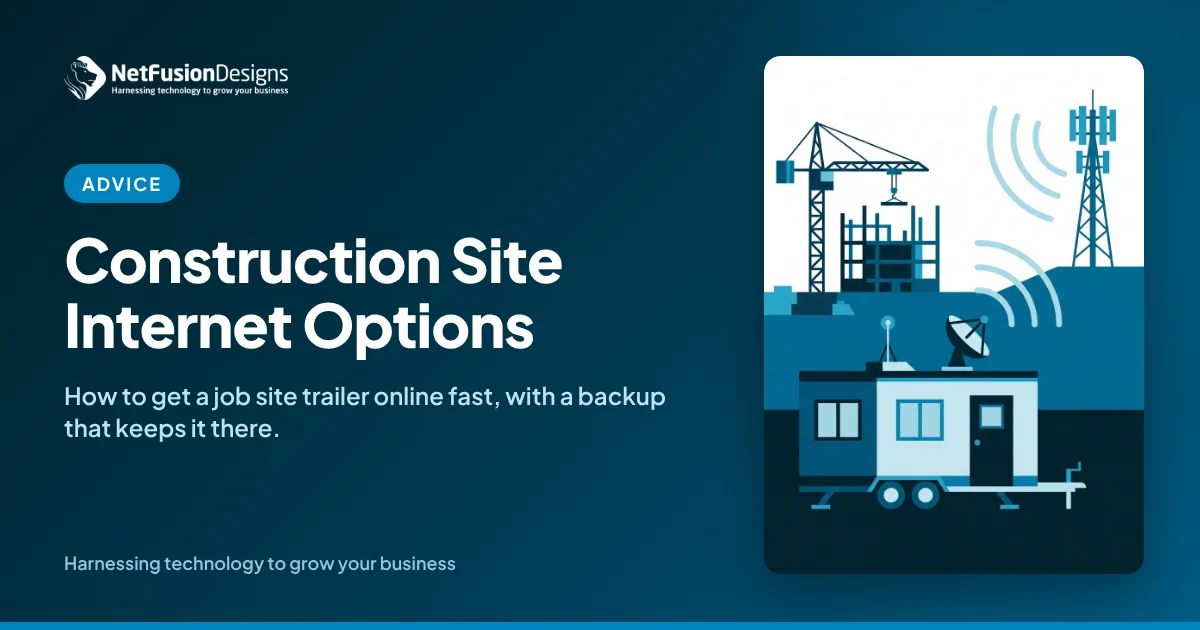
Construction site internet usually comes from one of four sources: a wired line extended from a nearby building, fixed wireless, cellular 5G or LTE, or satellite. The right choice depends on what's available at the address and how long the project runs. Most builders pair two options so one can fail over to the other.
A job site trailer used to need little more than a phone line and a fax. Today the site office runs on cloud project management, shared drawings, video calls, security cameras and time tracking. When the connection is slow or down, superintendents drive back to head office to download drawings, and crews work from whatever version was printed last.
This guide explains the connection options for a construction site, how to choose between them, and what to set up so your site office is online on day one and stays secure until demobilization.
There are four practical ways to connect a job site trailer, and each trades off speed, cost and setup time differently.
Before you choose, check what's available at the exact address. Innovation, Science and Economic Development Canada provides high-speed internet information for Canadians, and carriers can confirm serviceability for a specific location.
Match the connection to the project's length, location and the work the site office actually does.
Ask these questions before ordering anything:
Because a single connection is a single point of failure, and job sites are hard on equipment and cabling.
Excavators cut lines, weather affects wireless and satellite signals, and cellular congestion can slow things down at busy times. A business-grade router or firewall can use two connections at once, for example fixed wireless as the primary and 5G as the backup, and switch automatically when one fails. For most sites the backup doesn't need to match the primary's speed; it only needs to keep email, drawings and project management tools working until the main connection is restored.
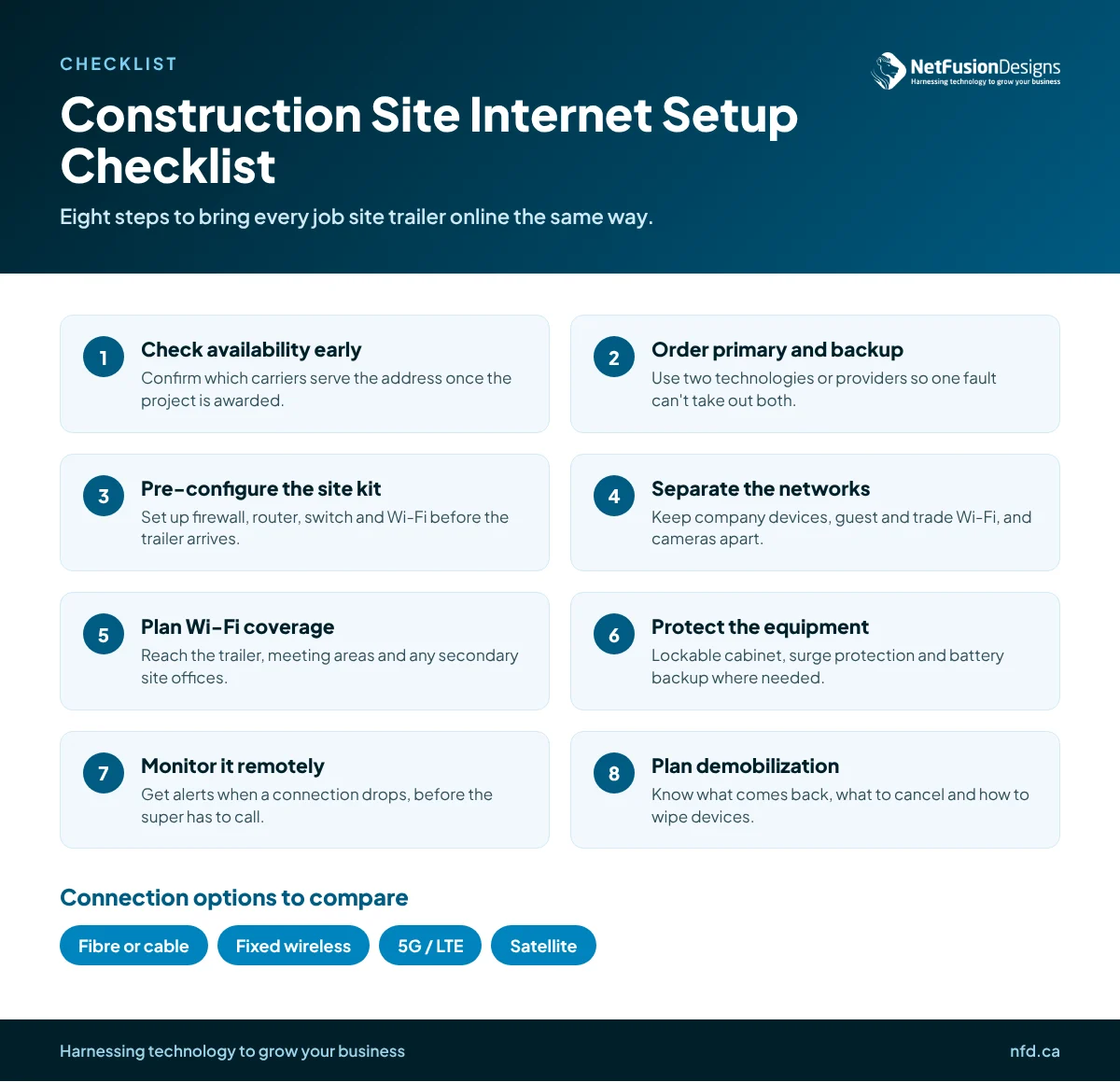
A repeatable checklist lets you bring each new site online the same way, in days rather than weeks.
Treat every site office as a branch of your business, with the same security standards as head office.
Site networks often host a mix of company laptops, subcontractor devices and cameras, and they're easy to overlook once the project is running. Use a business-grade firewall rather than a consumer router, change all default passwords, and keep guest access separate from the network that reaches your project files. Require multi-factor authentication for cloud project tools and email, and make sure laptops left in trailers overnight are encrypted. The Canadian Centre for Cyber Security's baseline cyber security controls for small and medium organizations are a useful benchmark for what every site should have in place.
Subcontractor access deserves its own rule. Give trades internet access on a guest network, share only the project folders they need, and remove their access when their scope is finished.
Most site connectivity problems come from treating internet as an afterthought rather than part of mobilization.
Our article on the IT problem that stops construction projects before they start looks at the wider risks of site IT, and if you run several permanent locations, our guide to multi-site network design for SMBs covers how to connect them.
The fastest sites are the ones where connectivity is planned with the project schedule, not after it.
NetFusion Designs (NFD), a SOC 2 Type II certified managed IT provider headquartered in Kitchener-Waterloo, works with builders across Ontario to plan, deploy and monitor site office technology from mobilization to demobilization. Our IT support for construction companies covers site connectivity, secure Wi-Fi, device management and help desk support for both the office and the field.
With a pre-configured cellular 5G or LTE router, a site office can often be online within a few days of the trailer arriving, provided there's usable signal at the site. Fixed wireless and satellite usually take longer because they need a site check and mounting. A new wired fibre or cable install can take weeks or months, so it's best suited to longer projects where the lead time is worth it.
For many remote sites, yes. Low Earth orbit satellite services offer much lower delay than older satellite options, which makes video calls and cloud project tools workable. The dish needs a clear view of the sky and a secure mount, and heavy weather can affect performance. Pairing satellite with a cellular backup gives the site office a second path if the signal drops.
It varies widely by project. A small trailer handling email and project management uses relatively little, while sites uploading security camera footage, drone imagery or large drawing sets use far more. Review usage in the first few weeks and adjust your plan, and consider recording camera footage on site rather than streaming it all to the cloud if your connection is limited.
No. Subcontractors and visitors should connect to a separate guest network that gives them internet access without reaching your company devices, file shares or cameras. This limits the damage if a visiting device is infected, and it makes it simple to change the guest password when trades finish their scope without disrupting your own team.
A reliable connection is one of the simplest ways to keep a project on schedule and your site team productive. If you're planning your next mobilization and want help choosing and setting up construction site internet, talk to our team.
%20(1).avif)
%201.avif)