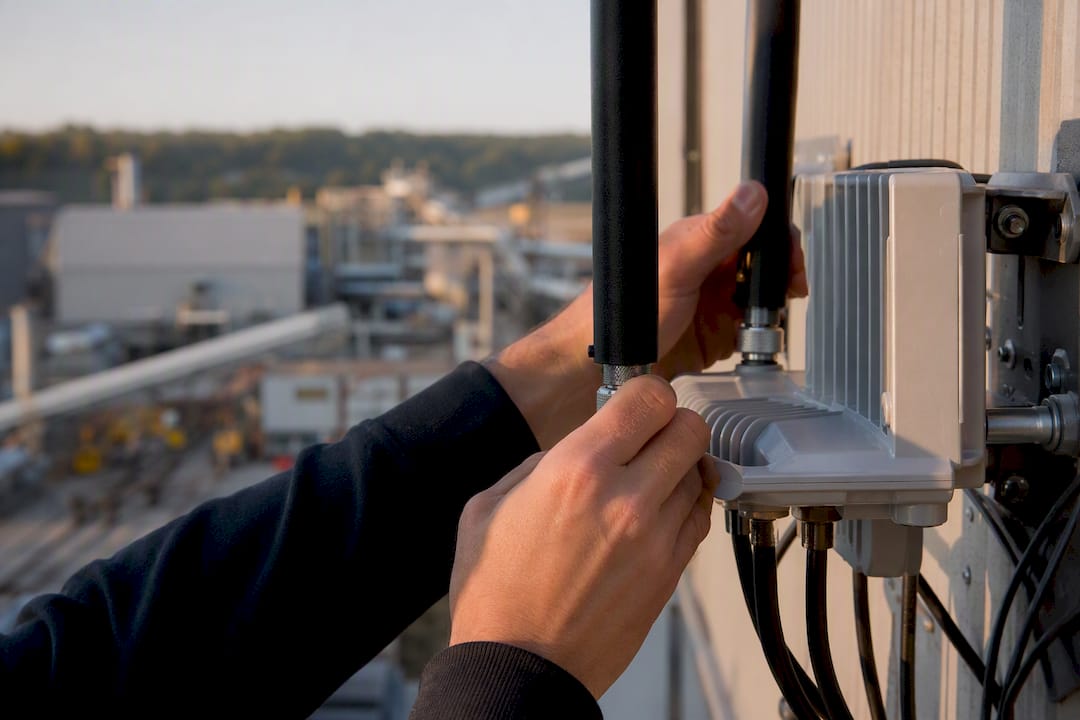
Managed Wi-Fi matters in manufacturing because it delivers deterministic, secure connectivity that keeps production lines running when unmanaged networks would fail under RF interference, device density, or contractor access risk. A dropped wireless connection on a plant floor isn’t a minor annoyance. It stalls an AGV, freezes a scanner, or blinds a supervisor’s dashboard at the exact moment a line needs attention.
The core benefits are consistent across manufacturing sites:
Field case studies back this up: manufacturers that migrate to managed wireless infrastructure report better network stability and a measurable drop in Wi-Fi-related support tickets. NetFusion Designs Inc pairs that operational discipline with SOC 2 Type II controls and a 24/7 NOC, which is the credibility layer most factory networks are missing.
Managed Wi-Fi succeeds in manufacturing when it combines deterministic RF engineering, client-side monitoring, and enforced IT/OT segmentation under a 24/7 operations team.
| Point | Details |
|---|---|
| Reliability beats raw speed | Deterministic, predictable behaviour matters more for OT than peak throughput numbers. |
| Client-side monitoring closes blind spots | Device-level visibility catches faults that infrastructure-only dashboards miss entirely. |
| Segmentation is non-optional | VLANs, private SSIDs, and certificate-based admission keep OT traffic isolated from guest and corporate networks. |
| Revalidation prevents drift | Site surveys done once on an empty floor stop matching reality once equipment and racking move in. |
| NetFusion Designs Inc combines both layers | SOC 2 Type II controls and a 24/7 NOC pair with manufacturing-specific RF engineering across Canadian teams. |
Managed Wi-Fi is not just “someone else runs the routers.” It’s a specific set of engineering and operational practices designed for environments where a dead access point can stop a $2 million line.
This is what engineered managed Wi-Fi designs are built to do: support IIoT sensors and mobile assets with built-in security and dynamic RF management, not a static configuration set once and forgotten.
Pro Tip: Ask any prospective provider how often RF profiles get re-tuned automatically versus manually. If the answer involves a technician’s calendar, you’re not getting managed Wi-Fi, you’re getting Wi-Fi with a maintenance contract.
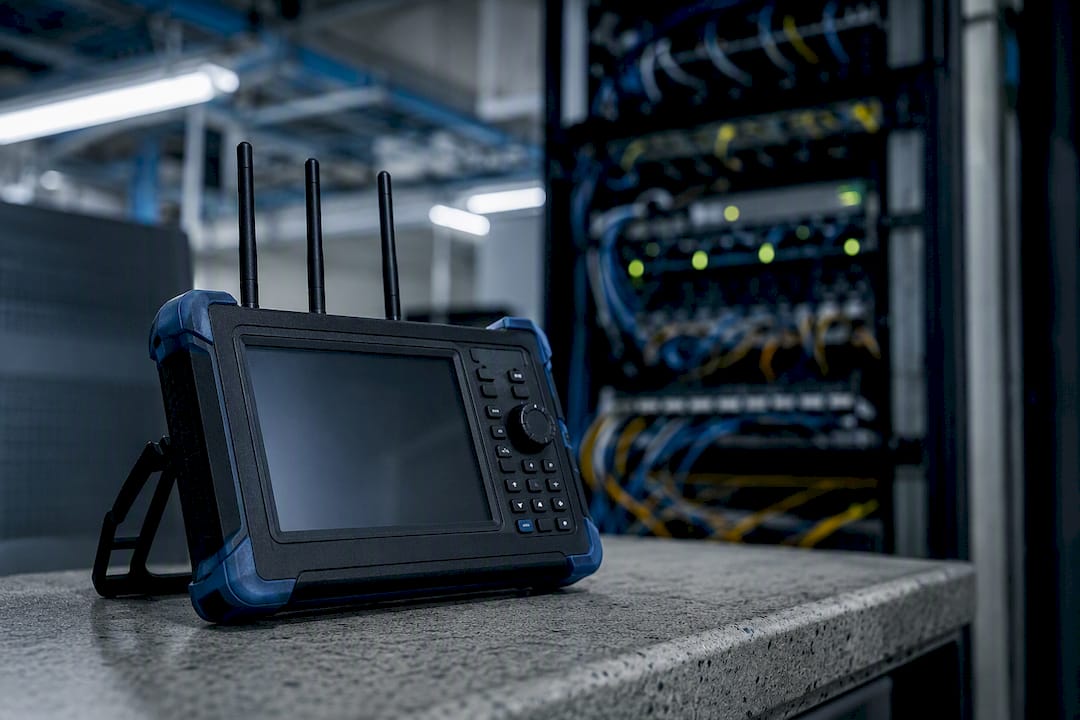
Not every application on your floor needs the same performance. A temperature sensor reporting every 30 seconds tolerates jitter that would stall an AGV mid-turn. Manufacturing IT teams need to map applications to real latency and reliability targets, not treat “Wi-Fi” as one undifferentiated service.
Seamless roaming is where most factory deployments fail. AGVs and AMRs moving between access point zones need make-before-break handoffs, redundant coverage paths, and in some cases ultra-reliable wireless backhaul techniques that maintain near-zero packet loss during transitions. Field trials using URWB-style reliability techniques have shown improved AGV uptime specifically because the network stopped dropping packets during roaming events.
Systematic reviews of industrial wireless note real progress toward deterministic scheduling, but they’re consistent on one point: vendor specs rarely survive contact with a real multi-site deployment untested.
A wireless network that connects to your OT environment is only as secure as its weakest admission control. Managed providers should enforce these baseline practices, not offer them as upsells:
Physical security matters too. Unused Ethernet ports and exposed access points are a common way unauthorized hardware bridges into OT networks, which is why port-blocking and certificate-based admission need to work together. For a deeper look at how segmentation protects production systems, see industrial network security explained for IT managers.
Most plant-floor Wi-Fi failures trace back to a survey that was done once, on an empty floor, before the equipment showed up.
NIST’s industrial wireless guidance is explicit that latency, reliability, and fault tolerance requirements demand standards-based engineering and lifecycle validation, not a one-time install.
Infrastructure-only monitoring tells you an access point is up. It doesn’t tell you a barcode scanner thirty feet away is silently failing to authenticate every third attempt.
Client-side, device-level visibility exposes issues that infrastructure-only monitoring simply can’t see, and that gap is often where the most disruptive plant-floor failures hide.
That’s the core finding behind client-side visibility approaches to manufacturing Wi-Fi: sensors that emulate real devices, scanners, controllers, tablets, catch faults that never show up in a controller dashboard. Pair that with a SOC 2 Type II controlled, 24/7 NOC, and incident detection moves from “someone notices the line stopped” to an alert firing before output drops. Case-study evidence from managed wireless migrations consistently shows fewer remote visits and fewer open tickets once client-side monitoring replaces guesswork.
Wireless infrastructure avoids the cabling cost and installation schedule of running conduit across a live production floor, but that upfront saving isn’t the real payoff.
Track Mean Time to Resolution, total downtime minutes, and support-ticket volume monthly. Those three numbers tell you whether the investment is paying off faster than a spreadsheet projection ever could.
Pro Tip: Don’t just track ticket volume, track ticket severity. A provider that cuts ticket count but leaves you with three line-down events a quarter hasn’t actually solved your problem.
Choosing the wrong partner here doesn’t cost you a bad app, it costs you production hours. Use this checklist before signing anything:
Red flags include consumer-grade access points, a survey skipped or rushed, SLA language that avoids specific numbers, and a sales team with no OT vocabulary. Ask directly: how often do you revalidate after a floor change? What’s your average incident response time? Can you show a post-deployment heat map from a site like mine?
Most Wi-Fi marketing sells speed and coverage. Neither matters much on a factory floor if the network can’t guarantee that a safety interlock signal arrives in a predictable window, every time, regardless of how many devices are competing for airtime. That’s the gap between consumer-grade thinking and what manufacturing actually needs: deterministic behaviour, not peak throughput numbers on a spec sheet.
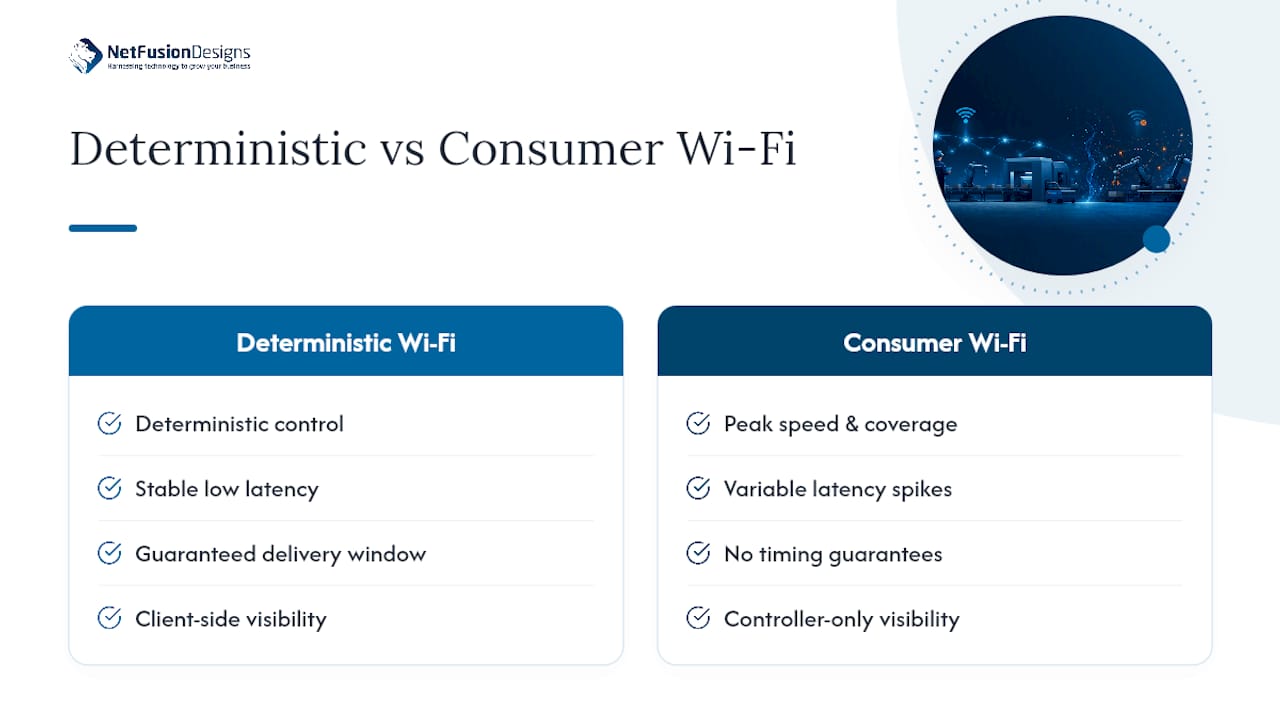
The conventional advice, “get faster access points, add more of them,” treats Wi-Fi as a hardware problem. It’s an operations problem. The manufacturers getting real value from wireless are the ones treating client-side visibility as a baseline requirement, not a premium feature, and treating a 24/7 NOC as the difference between catching a fault at 2 a.m. and discovering it when a line supervisor calls at 7.
If there’s one place to focus first, it’s this: don’t evaluate a Wi-Fi partner on their access point brand. Instead, consider how Summit Studio for Manufacturing partners bring digital transformation expertise tailored to manufacturing environments. Evaluate them on whether they can show you a heat map from a comparable plant, a documented SLA with real numbers, and evidence that they monitor from the device’s perspective, not just the controller’s. Everything else, throughput, channel width, mesh topology, is secondary to whether the network behaves the same way at 3 p.m. during peak production as it does during a quiet night shift.
— Geeshan
NetFusion Designs Inc treats manufacturing Wi-Fi as an operations problem first and a networking problem second, which is the distinction that actually prevents downtime. Our teams in Kitchener-Waterloo, Toronto, Markham, Mississauga, Montréal, and Winnipeg bring SOC 2 Type II controlled security practices and a 24/7 NOC to every deployment, backed by client-side monitoring that catches faults before they stop a line.

A typical engagement starts with an RF and site survey, moves into a pilot on a representative section of the floor, then rolls out in stages with ongoing NOC and SOC support and scheduled revalidation as your equipment layout changes. That staged approach is deliberate: it catches interference sources and coverage gaps before they become production incidents, not after. If your team is weighing a managed Wi-Fi upgrade or an audit of an existing deployment, our manufacturing practice page outlines how we scope that work, and our managed IT services for Kitchener-Waterloo page is a solid starting point for a discovery call. Book a site audit and get a concrete picture of where your network stands before the next line-down event forces the conversation.
Managed Wi-Fi means a third-party provider designs, monitors, secures, and maintains your wireless network on an ongoing basis, rather than you buying hardware and configuring it once and hoping it holds up.
Manufacturing sites typically run separate managed networks to segment OT devices, IIoT sensors, and worker mobility traffic from corporate and guest access, reducing the risk that a compromise in one area spreads to production systems.
They support AGVs and AMRs, IIoT sensors, worker handheld scanners, and video surveillance, all with the deterministic behaviour and seamless roaming that consumer-grade Wi-Fi can’t reliably provide.
Managed Wi-Fi for manufacturing includes industrial-rated hardware, RF surveys tailored to metal-heavy environments, client-side monitoring, and SLA-backed remote remediation, features a standard office network deployment rarely includes.
Closed-loop safety interlocks generally should stay wired or use certified industrial protocols; wireless is well suited to monitoring, mobility, and IIoT sensor data where occasional latency variance is tolerable.
%20(1).avif)
%201.avif)