Co-managed IT is priced on the part of the work you hand over, not on your whole environment. Most Canadian providers quote a monthly fee built from users, devices and the services you add (security monitoring, after-hours coverage, projects), and your internal team keeps the day-to-day work. This guide explains the pricing models, what moves the number, and how to compare quotes so you pay for the gaps in your team and nothing else.
One honest note first. We do not publish a price list for our co-managed service, and a fair quote depends on your size and scope. So instead of quoting a number we cannot stand behind, we show you how the price is built and what to ask every provider.
In a co-managed arrangement, you keep an internal IT person or team and add an outside provider to fill the gaps. The gaps differ by business. One firm needs a 24/7 security operations centre because nobody is awake at 2 a.m. Another needs a senior person to plan a Microsoft 365 migration. A third needs a helpdesk to absorb the ticket queue so the in-house lead can work on projects.
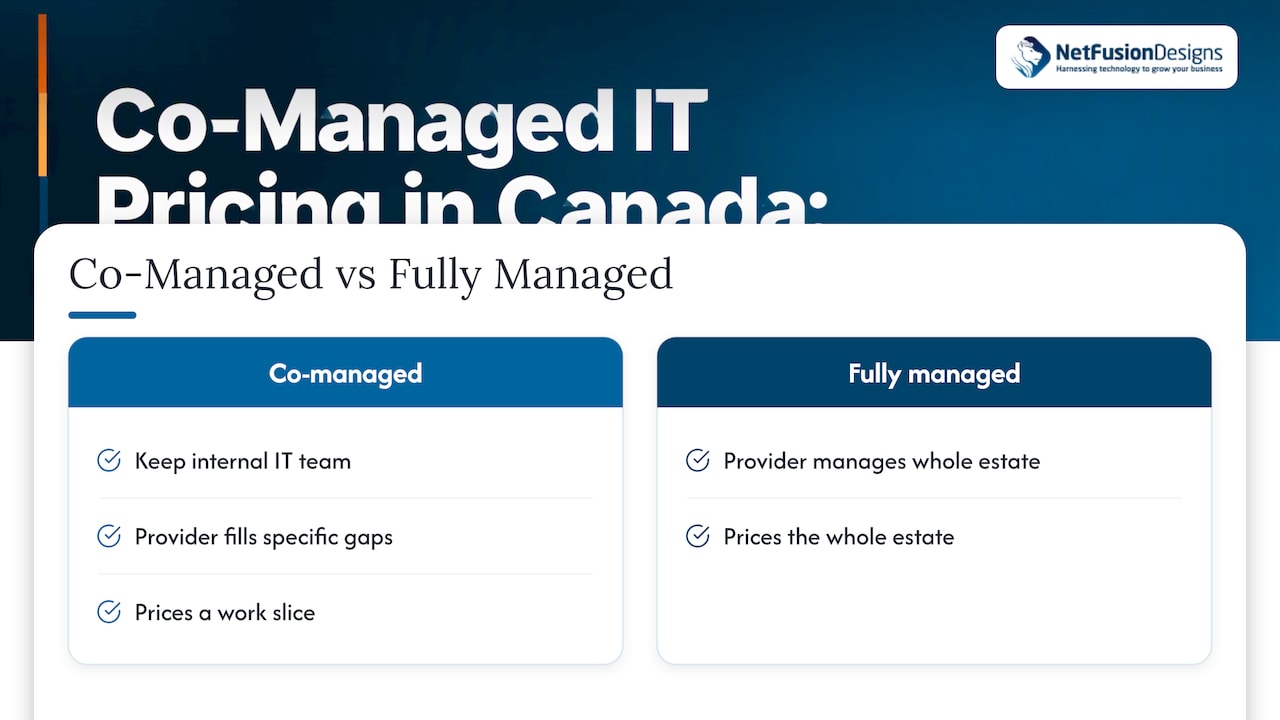
That is why co-managed IT prices are not comparable to a fully managed quote. A fully managed plan prices the whole estate. A co-managed plan prices a slice. If you want the detailed line between the two, we cover it in co-managed vs fully managed IT, and our explainer for Canadian SMBs walks through the model itself.
The practical consequence: two providers can quote very different monthly totals for the same company, and both can be fair, because they assumed a different split of work. A quote without a stated split is not a quote you can compare.
Expect to meet some combination of the following.
| Model | What you are charged for | Works well when | Watch for |
|---|---|---|---|
| Per user, per month | Each employee, usually covering the devices they use | Headcount is steady and you want simple budgeting | Part-time staff, shared mailboxes and contractors counted as full users |
| Per device, per month | Each laptop, server, firewall or other endpoint | You have few staff but a lot of equipment, such as a plant floor | Devices that appear mid-contract and are billed at list rates |
| Flat monthly fee | A fixed scope for a fixed amount | Your needs are stable and well defined | What happens when you add a site or grow past the stated size |
| Tiered bundle | Good, better, best packages of services | You want a standard security baseline | Bundles that include services you already pay for elsewhere |
| Hourly or project | Time spent on work outside the agreement | Migrations, office moves, one-off builds | Rates for after-hours and emergency work |
In co-managed arrangements the most useful structure is usually a base fee for the services you hand over plus a clearly rated menu for extras. That keeps the monthly number predictable and makes project work visible instead of buried.
The provider’s rate card matters less than your own situation. These are the factors that move a co-managed quote most.
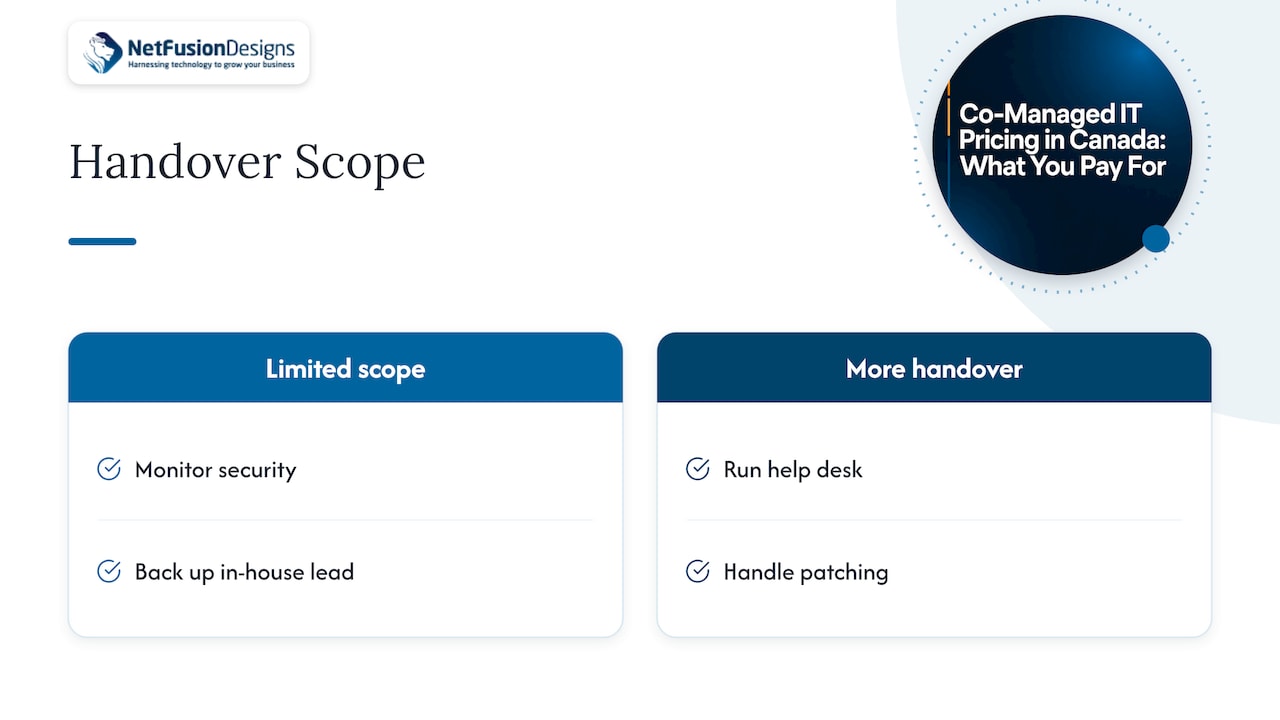
The more your internal team keeps, the lower the fee. A provider that only monitors security and backs up your in-house lead is priced very differently from one that also runs the helpdesk and patching. Public procurement shows how wide an IT scope can get: a 2025 CanadaBuys tender notice lists device and network management, help desk, onboarding and offboarding, backups and recovery, firewalls, antivirus, vulnerability assessment, patching, monitoring, incident response and security training as items that can be specified. Each of those is a line you can keep or hand over.
Security is where quotes diverge most. Federal guidance for Canadian small and medium-sized enterprises recommends multi-factor authentication, phishing protection, role-based access controls, encryption, data classification and data-restoration mechanisms, as set out in the Practical Cloud Resilience Guide from Innovation, Science and Economic Development Canada. If you do not have those in place, a provider will price in the work to deploy and run them. If you already have them, you are paying only to monitor.
Regulated work adds more. Law firms, accounting practices and healthcare and dental clinics often need documented processes, audit evidence and sometimes data kept in the province. Tell every provider this at the start, because it changes the scope and the evidence they must produce.
Business-hours support is the baseline. Round-the-clock monitoring and an after-hours response line cost more, because someone must staff them. Manufacturers and clinics that run extended hours often need this; a single-shift office may not.
Headcount and device count set the volume. Extra locations add network equipment, site visits and sometimes separate internet circuits and phone systems. A multi-location business in the GTA should expect the location count to appear in the quote as its own line.
Aging servers, unsupported software and undocumented networks mean onboarding takes longer. Many providers charge a one-time onboarding or remediation fee for this, and some fold it into the monthly rate over the contract term. Ask which.
If you already license an endpoint security product or a backup service, a good provider will manage what you have or tell you plainly why it should be replaced. A bundle that duplicates tools you pay for is a cost you can avoid.
A co-managed plan stands or falls on a written split of duties. A simple way to draw it is by the kind of work.
None of that is fixed. Some teams give away the helpdesk and keep security. Others do the reverse. What matters is that each line has one owner, in writing, and that the price attaches to the lines the provider owns. Our guide to the co-managed support model shows common splits, and the role of an MSP in supplementing internal IT covers how the two teams work together day to day.
The figures below are invented for illustration only. They are not our prices and not market averages. They show how to test a quote.
Suppose a 40-person accounting firm has one in-house IT generalist. Two providers quote:
Work out your realistic year. If you hire three people, face one after-hours incident and need a firewall update, Quote A’s extras can erase its lead. The only way to know is to price your own year, not the headline rate. That means listing the events you expect (new hires, departures, a migration, an audit) and asking each provider to price them.
Use the same checklist on every quote.
A quote that survives all seven is a quote worth signing. A low number that fails two of them is usually the expensive one.
Three routes address the same problem, and they price differently.
A co-managed plan often works out as a way to add an entire team’s range of skills and coverage for less than another full-time hire, while your own person stays in charge of priorities. Run that comparison with your own salary figures and the provider’s written scope.
We hear the same question from owners every week: “What will this cost me?” The honest answer starts with another question: “What do you want off your team’s plate?”
Co-managed IT works when the line between your people and ours is drawn clearly and priced clearly. We prefer predictable monthly pricing because surprises are what damage trust between a business and its IT provider. We would rather you know the shape of the bill before you sign.
Our team is SOC 2 Type II certified, which means our own processes have been independently audited. For firms that handle client financial or health information, that matters when you choose who sits next to your internal team. We run a 24/7 network operations centre, so the after-hours gap that worries most internal teams is one we can cover, whether you are in Kitchener-Waterloo, the GTA or elsewhere in Canada.
We also think co-managed is the right starting point for many growing businesses. Your internal lead keeps the knowledge of your business. We add depth in security, automation and projects. Over time, many firms adjust the split as they grow, and the agreement should allow for that without a rewrite.
Geeshan
If you already have an IT person and want depth behind them, our co-managed service is built for that. We start with your current setup and agree on a written split of duties. Coverage can include 24/7 helpdesk and monitoring, security operations, Microsoft 365, backup and disaster recovery, and virtual CIO guidance. We state our pricing in a predictable monthly structure, shaped to the scope you choose.

See how co-managed IT and ad-hoc support work with us, or ask for a scoped quote through our managed IT services page. If your team is in Mississauga, our local IT services page explains how we support businesses there, and in Kitchener and Waterloo we cover managed IT with local teams.
You will get more useful numbers if you come prepared. Gather these before you talk to any provider:
The last point is the most useful. Past incidents show where the real gaps are and what a provider should be priced to cover.
It depends on the scope you hand over, so there is no single honest figure. Published guides quote per-user monthly ranges, but those ranges mix different services and company sizes. Ask each provider to price your headcount, devices and the specific duties you want covered, then compare line by line.
Usually the base fee is lower, because your internal team keeps part of the work and the provider prices only its share. The real comparison is total cost across a year, including extras billed outside the agreement. Price your own expected events, such as hires, projects and after-hours incidents, in both models.
Projects such as migrations and office moves, after-hours or emergency callouts, new hardware and licences, and onboarding remediation for neglected environments. Ask for these rates in writing before you sign. If you may need urgent help, check how emergency IT support is handled under the agreement.
You should be able to. A good agreement lets you move duties between your team and the provider as you grow, with a defined process and notice. Ask how a scope change is priced and whether it triggers a new contract term.