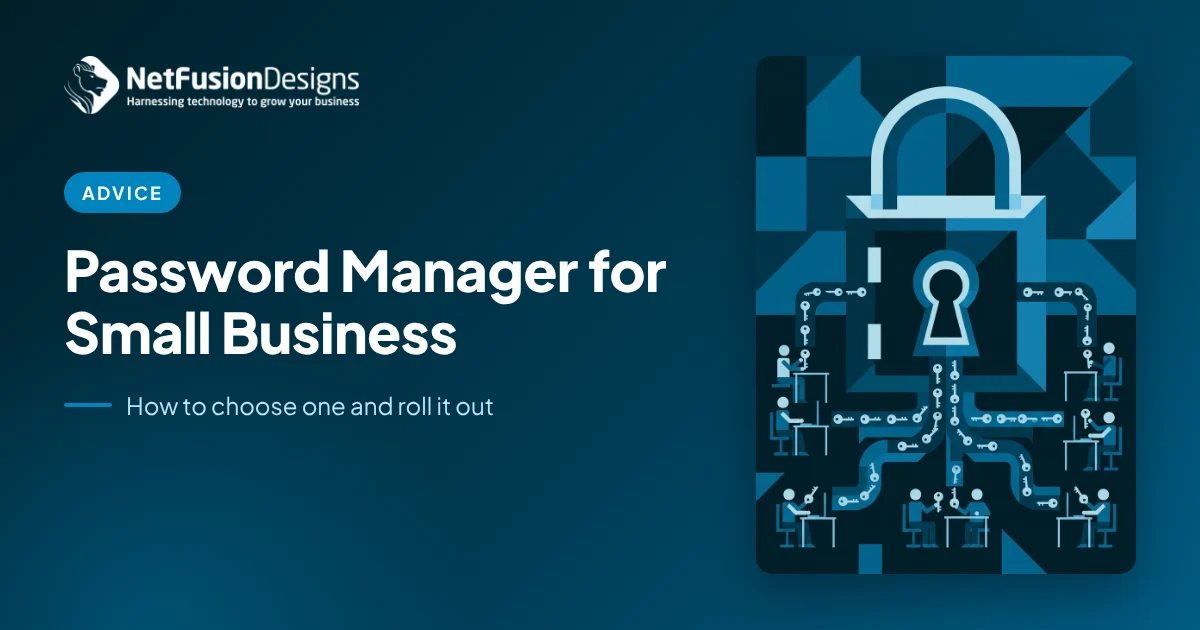
A password manager for small business is an encrypted, shared vault that creates, stores and fills strong, unique passwords for every staff member, with admin controls for sharing, recovery and offboarding. For most companies of 10 to 250 people, the right choice is a business-grade, stand-alone password manager tied to single sign-on and multi-factor authentication, rolled out in stages.
Most small businesses already have a password problem, even if nobody calls it that. Credentials live in spreadsheets, sticky notes, shared inboxes and personal browsers. When someone leaves, nobody is quite sure which logins they knew. A password manager fixes that, but only if you choose one built for teams and introduce it in a way people will actually use.
This guide covers what a business password manager does, the features that matter, how it compares with saving passwords in the browser, and a practical rollout plan you can follow.
It is a central, encrypted vault that gives each employee their own private space and gives the business control over shared credentials.
A personal password manager protects one person. A business password manager adds the layer an owner or IT lead needs: shared folders by team, role-based access, an admin console, activity logs, policy enforcement and a way to recover or revoke access when staff change roles or leave.
The Canadian Centre for Cyber Security notes that password managers encourage complex, unique passwords and discourage reuse, while also warning that the vault itself becomes an attractive target. Its password manager security tips recommend turning on multi-factor authentication wherever possible. That trade-off is why setup and governance matter as much as the product you pick.
Browser saving is convenient for individuals, but it gives the business no visibility, no controlled sharing and no clean offboarding.
Browsers can store and fill passwords well, and they are better than reusing one password everywhere. The gaps show up at the company level:
A stand-alone business password manager closes those gaps while still filling passwords in the browser, so the day-to-day experience stays familiar.
Focus on security architecture, identity integration and admin controls before price or design.
If you handle health records, client files or financial data, also confirm the vendor's security attestations and data residency so the tool fits your compliance obligations.
Start with the people who hold the most sensitive credentials, prove the process works, then expand. A staged rollout keeps disruption low and builds trust in the new tool.
Pair the rollout with a strong MFA programme. Our guide to an MFA rollout for Microsoft 365 covers how to enrol everyone first and then tighten policies.
Most problems come from weak vault protection and leftover habits, not from the software.
A password manager works best as one layer of a broader security programme.
NetFusion Designs (NFD), a SOC 2 Type II certified managed IT provider headquartered in Kitchener-Waterloo, helps clients across Ontario, Quebec and Manitoba choose, configure and roll out business password managers alongside MFA, email security and EDR/MDR. We connect the vault to Microsoft 365, set policies, migrate shared credentials, train staff and build password changes into onboarding and offboarding. Learn more about our cybersecurity and antivirus services for Ontario businesses, or start with a free cybersecurity assessment.
Yes, when it is set up properly. A reputable business password manager encrypts your vault so the vendor cannot read it, and it replaces risky habits like spreadsheets and reused passwords. The main risk is the vault itself being compromised, so protect it with a long master passphrase, enforce multi-factor authentication, limit admin rights and review access regularly.
Most businesses allow a private personal space in the work vault, but it is cleaner to keep personal accounts separate. Many business plans include a free personal account for each employee, so staff can keep their own logins private while the company keeps control of work credentials. Set a clear policy so everyone knows which accounts belong where.
For a business of 10 to 50 people, a staged rollout typically takes a few weeks: about a week to set policies and connect your identity provider, a short pilot with leadership, then migration team by team. Larger organizations take longer because there are more shared credentials to inventory. Rushing the training step is the most common reason adoption stalls.
With a business password manager tied to your directory, removing the employee's account revokes their vault access straight away. Admins can then see which shared items that person could reach and rotate those passwords. Without a central vault, there is no reliable record of what they knew, which is why offboarding is one of the strongest reasons to adopt one.
A password manager is one of the simplest, highest-value security upgrades a small business can make, as long as it is chosen for teams and rolled out with care. If you would like help picking the right tool and putting it in place, talk to the NFD team.
%20(1).avif)
%201.avif)